

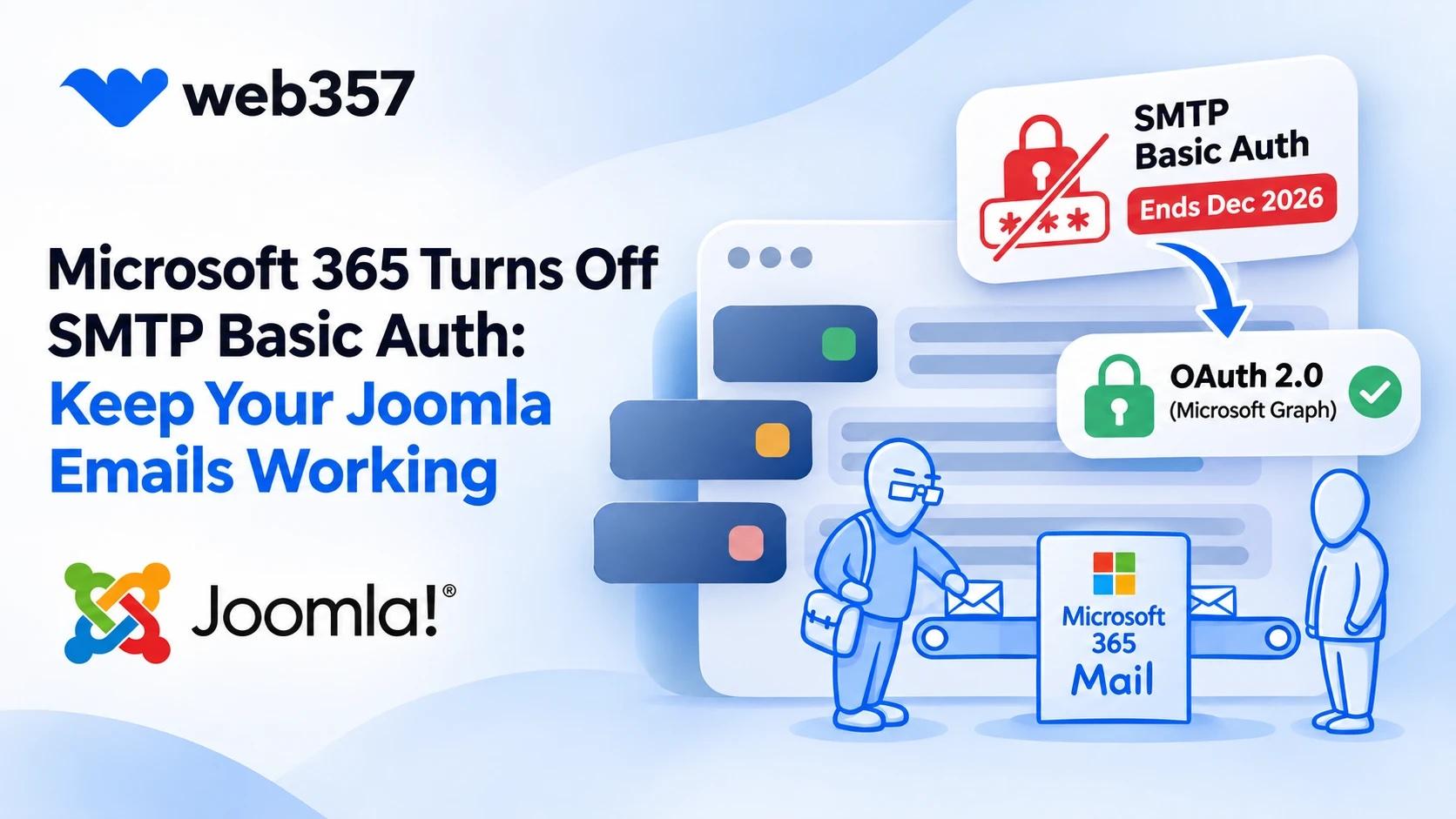
A new user registers on your Joomla site and waits for the activation email. A visitor sends the contact form. A customer places an order. If your site sends those emails through a Microsoft 365 mailbox with an SMTP password, they are about to stop.
Microsoft is turning off SMTP basic authentication in Exchange Online. That is the "SMTP Username + SMTP Password" login that the Joomla Global Configuration uses.
Microsoft/Outlook 365 Mail Connect moves your Joomla mail to Microsoft Graph with OAuth 2.0, so it keeps working after the switch. Here is how to tell whether your site needs it, and how to set it up.
Check your Global Configuration
Go to System → Global Configuration and open the Server tab. Your site depends on basic authentication if the Mail section looks like this:
| Field | Value |
|---|---|
| Mailer | SMTP |
| SMTP Host | smtp.office365.com |
| SMTP Port | 587 |
| SMTP Authentication | Yes |
| SMTP Username | a Microsoft 365 address |
| SMTP Password | the password of that mailbox |
If Mailer is PHP Mail or Sendmail, or the host belongs to another provider, this change does not affect you.
What breaks, and when
The Exchange Team published the dates in Updated Exchange Online SMTP AUTH Basic Authentication Deprecation Timeline. In short: SMTP with a password works as today until the end of December 2026. Then Microsoft disables it by default in existing tenants. An admin can switch it back on for a while, new tenants do not get it at all, and the final removal date follows in the second half of 2027.
On a Joomla site the switch shows up like this:
- Send Test Mail in the Global Configuration fails with
SMTP Error! Could not authenticate. - Registration, password reset and contact form emails stop arriving, while the site itself looks normal.
- The mail server's own answer is
550 5.7.30 Basic authentication is not supported for Client Submission.
If you run JMail Log, the failed emails appear in Components → JMail Log → Mail Logs with a red cross and the error text, so you see the problem on the first failed email instead of hearing it from a customer.
Move Joomla mail to Microsoft Graph
Microsoft/Outlook 365 Mail Connect is a Joomla system plugin. Once it is connected, Joomla's emails go out through the Microsoft Graph API instead of SMTP. The plugin signs in with OAuth 2.0, so there is no mailbox password in your configuration, and the token renews itself.
A few things that are specific to Joomla:
- Keep Send Mail set to Yes in the Global Configuration. The plugin works through Joomla's mail system and will not send a test email while it is off.
- The Send Test Email field is filled in with the From Email of your Global Configuration, so one click tells you whether the connection works.
- If Microsoft rejects an email with an HTTP 400 error, the plugin shows the error in the administrator and sends an alert to that From Email.
Set it up
You need an app registration in the Azure portal (Microsoft Entra) and about ten minutes.
- In Azure, create the app registration, add the plugin's Authorized Redirect URI as a Web redirect, and create a client secret. The configuration guide walks through every screen.
- In Joomla, go to System → Manage → Plugins and open System - Microsoft/Outlook 365 Mail Connect.
- Paste the Application ID and the Client Secret, then save.
- Click Sign in with Microsoft and approve access with the mailbox that should send your site's email.
- Click Send Test Email.
When the test email arrives, clear the old SMTP Password from the Global Configuration. It is no longer used.
Forms that send from their own address
Many Joomla extensions set their own sender. A Convert Forms task might send from bot@yourdomain.com, a shop from orders@yourdomain.com.
On the plugin's Advanced Settings tab:
- From Email sets the default sender, which can be a shared mailbox or any mailbox your account has Send As permission for.
- Allowed 'From' Addresses lists the other addresses extensions may use. An address that is not on the list falls back to the default sender.
👉 Allowed 'From' Addresses, with a Convert Forms example
Price
Microsoft/Outlook 365 Mail Connect is a commercial Joomla extension with 1 year of updates and support. The Joomla bundle includes it together with JMail Log and Gmail SMTP Connect.
Before the end of December
Open your Global Configuration today. If you see smtp.office365.com and a password, connect the plugin now and send a test while the old login still works.
Is your domain's mail on Google Workspace instead? Gmail SMTP Connect does the same job for Gmail.


Want to leave a comment?